 NeuronCx
Human and Agent Allocation
Human and virtual agents
Lead allocation, attribution and telephony integration
With virtual agents in the pool, allocation is a choice between a virtual agent and your team for each source. NeuronCx records who handled every call, gives each transaction its owners and each episode one coordinator, and applies rule changes as soon as they are saved.
Allocation sets by source, service or branch
The primary owner is set by where the lead came from. Secondary owners are added from details on the lead, such as service or branch, taking turns within each pool and never added twice.
- Primary owner by source: WhatsApp, website, web ads, social, partners
- Secondary owners by service or branch, in turn within each pool
- Rule changes apply as soon as they are saved, with no deploy
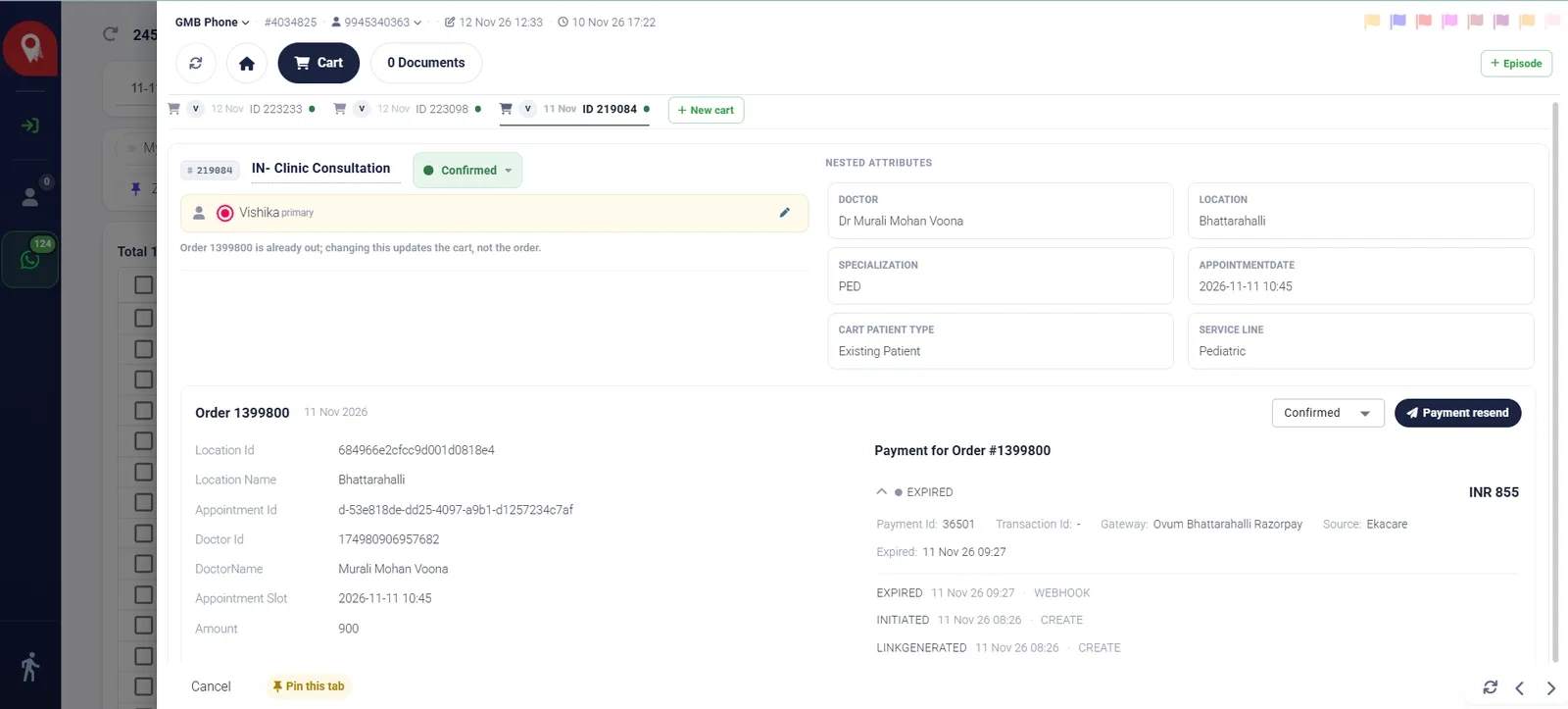
Virtual agents and your team in one pool
Booking, rescheduling and payment requests go to a virtual agent first, and move to a person on your team, with the full history, when the virtual agent cannot finish.
- WhatsApp and web forms: a virtual agent works next to your team
- Partner and referral leads: a named owner, plus a WhatsApp invite to book and pay
- Each agent's rules visible in one place: allocated, attributed and filtered
Presence-based routing and fallback agents
Digital leads go only to agents who are online and on the lead queue. If nobody is available, a designated fallback agent, human or virtual, takes the lead until someone picks it up.
- Online, on break and offline counts for the whole team
- Branch and specialist agents come from pools your supervisors set
- Agents pick a WhatsApp number and a phone station when going online
Telephony attribution and sticky agents
Your phone system decides who answers, and NeuronCx matches its agent ID to the right person, recording the call without changing the transaction's owner.
- Works with PBX and cloud telephony systems
- Returning callers can be routed to their existing agent
- Calls with no agent logged in are recorded as unattributed for follow-up
Ownership at three levels, with self-allot and re-allocation
Attribution records who handled each call or message, allocation gives the transaction its owners, and each episode has one coordinator chosen in turn from its location's queue.
- Agents take a waiting lead with one click
- Supervisors re-allocate selected leads or a whole agent's list
- Every assignment recorded on the transaction and in the allocation log